C3Pay Balance Check UAE: How to Check Your Salary Card Balance
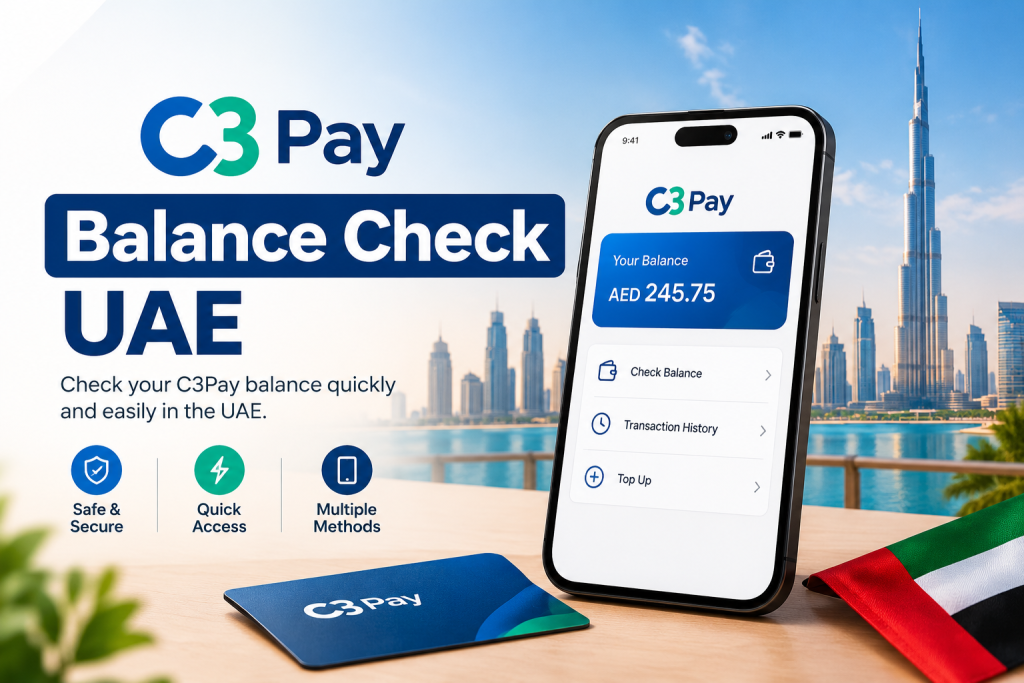
C3Pay Balance Check UAE
If you receive your salary through a C3Pay card in the United Arab Emirates, checking your available balance regularly can help you manage everyday expenses, cash withdrawals and money transfers. You do not always need to visit an ATM to find out how much money is available on your card.
The easiest option for most cardholders is the official C3Pay mobile app. You can also check your balance through an ATM or by contacting customer support if you cannot access your account online. The available options and any applicable charges may depend on your C3Pay card and account type.
In this guide, you will learn how to complete a C3Pay balance check in the UAE, access your transaction history, resolve common problems and keep your salary card information secure.
What Is C3Pay?
C3Pay is a digital financial service from Edenred UAE that allows eligible cardholders to manage their money through a mobile application and payment card. It is used by employees who receive salary payments through participating employers.
The C3Pay app allows users to check their available balance, review transactions, receive salary and purchase alerts, request statements and access supported money transfer and mobile recharge services. The exact features available may vary according to the user’s account and eligibility.
Edenred UAE
+1
For employees living in the UAE, checking their balance is useful after a salary payment, before making a purchase or when planning a cash withdrawal.
1. C3Pay Balance Check Through the Mobile App
The official C3Pay mobile app is generally the most convenient way to check your salary card balance. It lets you access your account without travelling to an ATM.
Follow these steps:
- Open the Google Play Store or Apple App Store on your smartphone.
- Search for C3Pay and verify that you are downloading the official app published by Edenred or the associated C3 card provider.
- Install the app and open it.
- Log in using your registered account credentials. If you are a new user, follow the available registration instructions.
- Complete any requested identity verification.
- Open your account dashboard and look for your available balance.
- Review your recent transactions if you want to confirm a salary credit, purchase or withdrawal.
The official app supports balance viewing and transaction history for eligible C3Pay cardholders.
Apps on Google Playstore
Tip: If you have just received your salary check the transaction history as well as the balance. This can help you confirm whether the payment has appeared in your account.
Official download links:
2. C3Pay Balance Check Through an ATM
If you do not have internet access or cannot log in to the app, an ATM can be a practical alternative.
Steps to check your balance
- Visit an ATM that accepts your C3Pay card.
- Insert your card and select the appropriate language.
- Enter your ATM PIN privately.
- Choose the Balance Inquiry option from the menu.
- Follow the instructions displayed on the screen.
- Check your available balance and take your card before leaving.
ATM menus may differ, so follow the options shown on the machine.
Is C3Pay ATM balance enquiry free?
According to Edenred’s published C3Pay Universal Account terms, balance enquiries through the C3Pay app, C3Pay or RAKBANK ATMs, and customer support are free for the account covered by those terms. Other ATMs in the UAE or internationally may charge a balance enquiry fee. Older or different card arrangements may have different fee rules.
Edenred UAE
+1
To avoid unexpected charges, check your card’s applicable fee schedule before using an ATM outside the supported network.
3. C3Pay Balance Check by Calling Customer Support
You can contact C3Pay customer support if the app is not working, your balance appears incorrect or you need help accessing your account.
The official Edenred UAE FAQ lists the following customer support number:
C3Pay customer care — UAE
600 56 7772
C3Pay official support information
When contacting support:
- Call the published customer care number.
- Explain that you want to check your C3Pay balance or resolve a balance-related issue.
- Follow the official identity verification process.
- Ask the representative to explain any missing salary credit or unfamiliar transaction.
Keep your C3Pay card and registered mobile phone available in case verification is needed. Never disclose your ATM PIN or one-time password to another person.
Customer support may need to investigate account-specific issues rather than simply provide an immediate answer.
4. How to Check C3Pay Transactions and Salary Payments
Checking your balance tells you how much money is available, but transaction history helps explain why the balance has changed.
For example, if your employer has paid your salary but the balance looks lower than expected, review the recent account activity.
Use the C3Pay app to:
- Check whether the salary credit appears in your transaction history.
- Review recent card purchases and cash withdrawals.
- Look for money transfers or other transactions you recognise.
- Check the date and amount of each transaction.
- Request an account statement if you need a more complete record.
The C3Pay Universal Account terms also describe access to statements through the app, including eligible unstamped statements covering up to the previous six months. Statement availability and charges for other statement formats depend on the applicable terms.
Edenred UAE
+1
If you notice an unfamiliar transaction, contact the official provider promptly and ask how to raise a dispute.
5. What to Do If Your C3Pay Balance Is Not Showing
Sometimes the C3Pay app may fail to load your balance or display an error. This does not automatically mean your money is missing.
Try the following steps before contacting customer support:
Check your internet connection. Switch between Wi-Fi and mobile data to see whether the app loads correctly.
Update the app. Open your phone’s app store and check whether an official C3Pay update is available.
Log in again. If the session has expired, sign out and sign back in using your registered credentials.
Check your transaction history. If your balance looks incorrect, review recent transactions and salary credits.
Wait briefly and retry. Temporary technical issues can prevent account information from loading. Avoid repeatedly attempting transactions while the app is displaying an error.
Contact customer support. If the issue continues, contact C3Pay through its official support channels.
Never share your card PIN, password or OTP with anyone claiming they can fix your account.
6. Why Is My C3Pay Salary Not Showing?
If your employer says your salary has been transferred but you cannot see it in your C3Pay account, first confirm the payment status with your employer’s HR or payroll department.
There are several possible reasons:
- The employer has not completed the salary transfer.
- The payment is still being processed.
- The salary was sent with incorrect employee or payment details.
- A temporary technical issue is affecting the displayed balance.
Ask your employer for the payment date and confirmation. Then check your C3Pay transaction history again. If the payment remains missing, contact customer support and provide the relevant details through its official verification process.
Do not assume that every delayed payment is an app issue. Your employer or payroll provider may need to investigate the transfer.
7. Tips for Keeping Your C3Pay Account Secure
Your salary card gives you access to money you may need for rent, food, transport and family expenses. Protecting your account is therefore important.
Follow these basic precautions:
- Download the app only from an official app store or a verified provider link.
- Use a strong, unique password for your account.
- Never share your PIN, password or OTP with another person.
- Check your transaction history regularly.
- Avoid logging in on public or shared devices.
- Contact the provider immediately if your card is lost or you notice an unfamiliar transaction.
These steps can help you identify problems earlier and reduce the risk of unauthorised access.
Frequently Asked Questions
1. How can I check my C3Pay balance in the UAE?
You can check your balance through the official C3Pay mobile app, a compatible ATM or customer support. The app is usually the most convenient option if you can log in.
2. Can I check my C3Pay balance online?
Yes. The official C3Pay app provides account balance and transaction information online. Use the official app rather than entering your card details on an unverified website.
3. What is the C3Pay customer care number in the UAE?
Edenred’s official FAQ lists 600 56 7772 as the C3Pay customer support number. Confirm the current contact details on the official Edenred FAQ page.
4. Can I check my C3Pay balance without the app?
Yes. You can use a compatible ATM or contact customer support. ATM charges may vary depending on your card type and the ATM network.
5. Is C3Pay balance enquiry free?
Balance enquiries through the app and supported C3Pay or RAKBANK channels are free under the published C3Pay Universal Account terms. Other ATMs may charge a fee, and different card arrangements may have different conditions.
6. Why is my C3Pay balance showing zero?
Possible reasons include a salary payment that has not arrived, account information that has not loaded correctly or transactions that have reduced the available balance. Review your transaction history and contact customer support if the issue continues.
7. Can I check my C3Pay salary payment history?
Yes. Eligible cardholders can view transaction history in the C3Pay app. You can also request an account statement through the available app features.
8. Is C3Pay the same as a regular bank account?
C3Pay offers account and card services for eligible users, but its features and terms depend on the specific product. Check your account’s terms before assuming that every feature available with a traditional bank account is also available with C3Pay.
Final Thoughts
Checking your C3Pay balance in the UAE is straightforward when you know which method to use. The official mobile app is a convenient starting point, while an ATM or customer support can help if you cannot access your account.
Make a habit of reviewing your balance after salary payments and checking your transaction history whenever an amount looks incorrect. For account-specific problems, rely on official Edenred support instead of unofficial balance-check websites.